The Real Story of Building Better Products with AI at Every Step
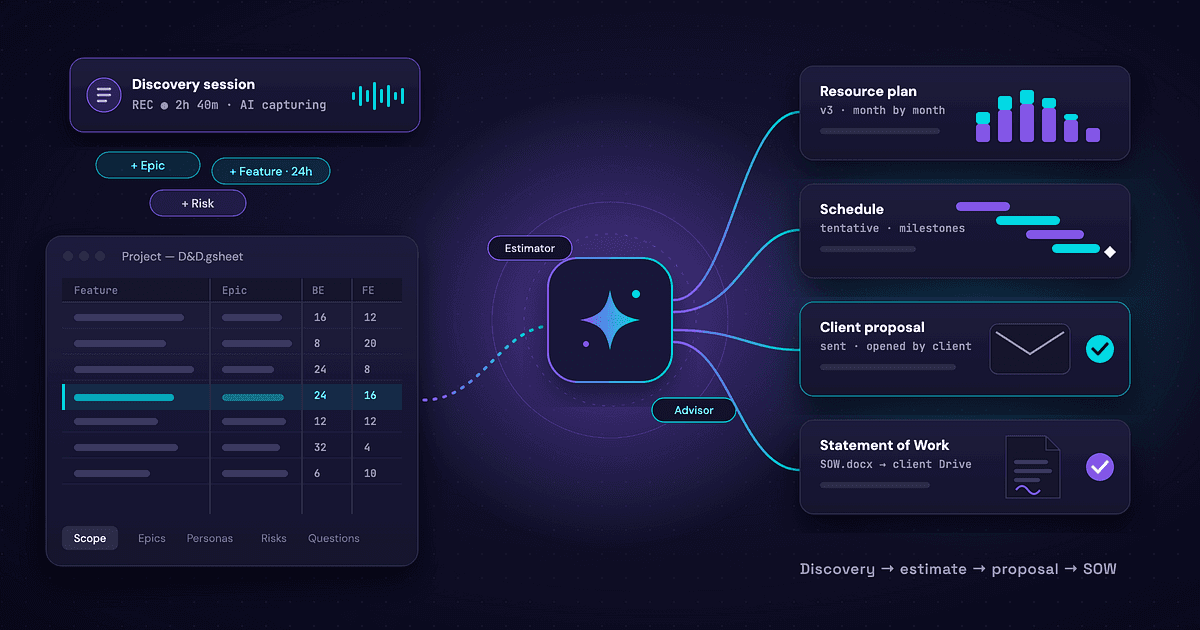
Remember when creating a PRD was a marathon? We had a solid process, but it took 4–5 weeks from discovery to final documentation. Hours spent crafting initial drafts, updating diagrams with every change, manually transcribing meeting notes, and hoping we captured everything important. Sometimes a crucial detail would slip through — buried in Google Docs notes or lost in the flow of conversation. Now? We deliver the same quality PRDs in 7–10 days. The secret isn’t working harder — it’s working smarter with AI.
This is the story of how we rebuilt our entire requirements process around AI tools, and why our stakeholders now enjoy requirements gathering. (Yes, really.)
The Old Way: Death by a Thousand Meetings
Picture this: You’re three weeks into requirements gathering. The client asks, “Can we revisit that integration we discussed?” You flip through your notebook, scroll through meeting notes, and check that shared doc. Was it meeting two or three? What exactly did we agree on?
We had a good process, but it was weighed down by manual overhead:
- Hours spent transcribing and organizing meeting notes
- Hours lost updating diagrams with every iteration
- PRDs that needed constant manual updates to stay current
- Critical details are sometimes buried in different team meeting Google Docs notes
The result? A solid 4–5 week timeline that felt longer with each revision cycle.
The Turning Point: What If AI Could Remember Everything?
The lightbulb moment came during a routine discovery session. While taking notes, I captured what seemed like a secondary requirement — something for ‘phase two.’ We were focused on the MVP, so I didn’t flag it as critical. Two meetings later, the client brought it up again: this ‘nice-to-have’ was essential for their MVP. But it wasn’t in my notes as a priority, and we’d already started planning without it.
That’s when I asked: What if we never missed anything again?
What if every word, every decision, every “what about…” was captured, organized, and transformed into actionable specs?
Enter our new AI-powered workflow.
The AI Orchestra: Our Tool Stack
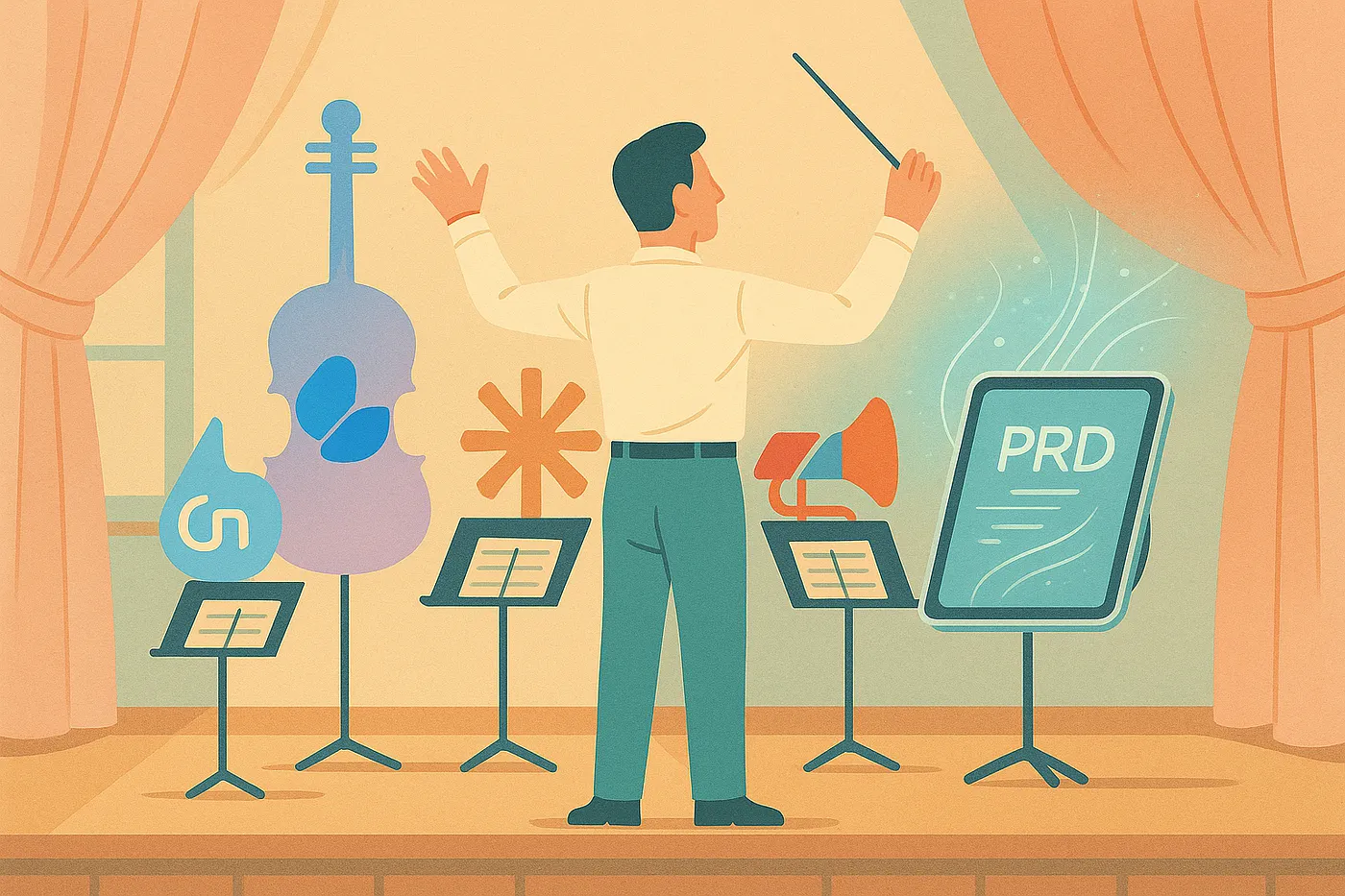
Here’s the thing that might surprise you: It’s not about one magical AI tool. It’s about orchestrating multiple specialized tools to create a symphony of productivity.
Let me walk you through our stack and why each piece matters.
Google Meet + Gemini: The Memory That Never Forgets
Every discovery meeting now happens on Google Meet with Gemini recording enabled. But here’s the game-changer: We don’t just get transcripts. Gemini generates intelligent summaries that capture the intent behind the conversation.
“The client expressed concern about scalability, specifically mentioning Black Friday traffic spikes of 10x normal load.”
That’s the kind of insight that used to get lost in pages of notes. Now it’s front and center.
Claude Desktop: The Business Analyst Who Never Sleeps
This is where the magic happens. We create dedicated Claude projects for each client engagement, complete with custom instructions.
But here’s the killer feature: We feed Claude all our meeting transcripts. It’s like having a business analyst with perfect recall of every conversation.
Here’s Claude Project Instructions (brief):
Product Requirements Document
📌 Role & PurposeYou are a Business Analyst and Product Documentation Specialist. Your goal is to transform discovery meeting notes into a comprehensive Product Requirements Document (PRD) that is actionable for development teams.
✅ Responsibilities
When Given Discovery Materials
- Acknowledge receipt with a brief summary
- Create a complete PRD
- Flag assumptions or missing information
🔍 Discovery Analysis Process
1. Content Analysis- User Roles: Identify all roles and their responsibilities- Functionality: Extract all mentioned features/processes- Relationships: Map user-feature interactions- Constraints: Note dependencies, limitations- Assumptions: Highlight unstated but implied conditions
2. Categorization- Universal Requirements: For all users- Shared Requirements: For some users- Role-Specific Requirements- Technical Requirements: Infrastructure, integrations, performance- Business Requirements: Goals, success metrics, value
📄 Product Requirements Document (PRD) Structure
Required Sections
Executive Summary- Product vision, objectives- Success metrics- High-level timeline
Product Overview- Purpose, target users- Core value per role- Market/competitor context (if available)
Scope- In Scope: Features, roles, platforms, integrations- Out of Scope: Future phases, exclusions
Stakeholders & Actors- Primary: Roles, access, needs- Secondary: Admins, systems, business
Functional Requirements- Feature specs: Name, story, acceptance criteria, priority- Workflows: Auth, nav, permissions, data
Non-Functional Requirements- Performance: Load, speed, uptime- Security: AuthN/AuthZ, compliance- Usability: Accessibility, responsiveness
Domain Glossary- Business terms- Technical terms and components
Success Criteria
Your outputs are successful when they:- Accurately capture all discovery meeting insights- Provide sufficient detail for development teams to begin work- Require minimal clarification or revision from stakeholders- Integrate seamlessly with standard project management and development tools- Serve as the single source of truth for project requirements and architecture
Eraser: Diagrams That Draw Themselves
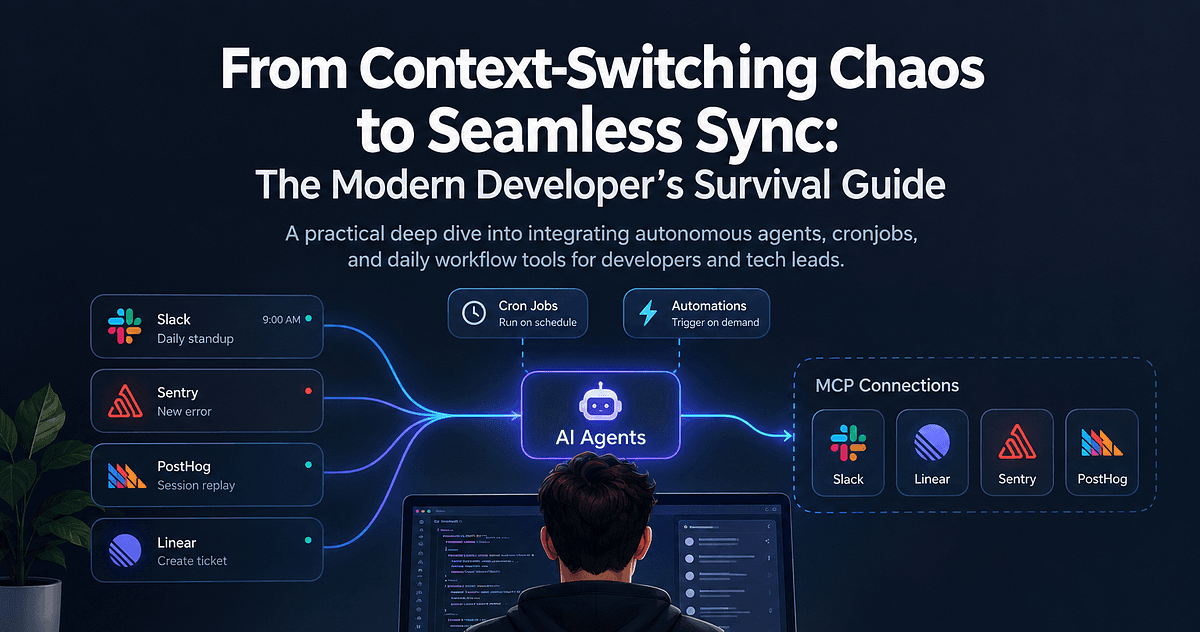
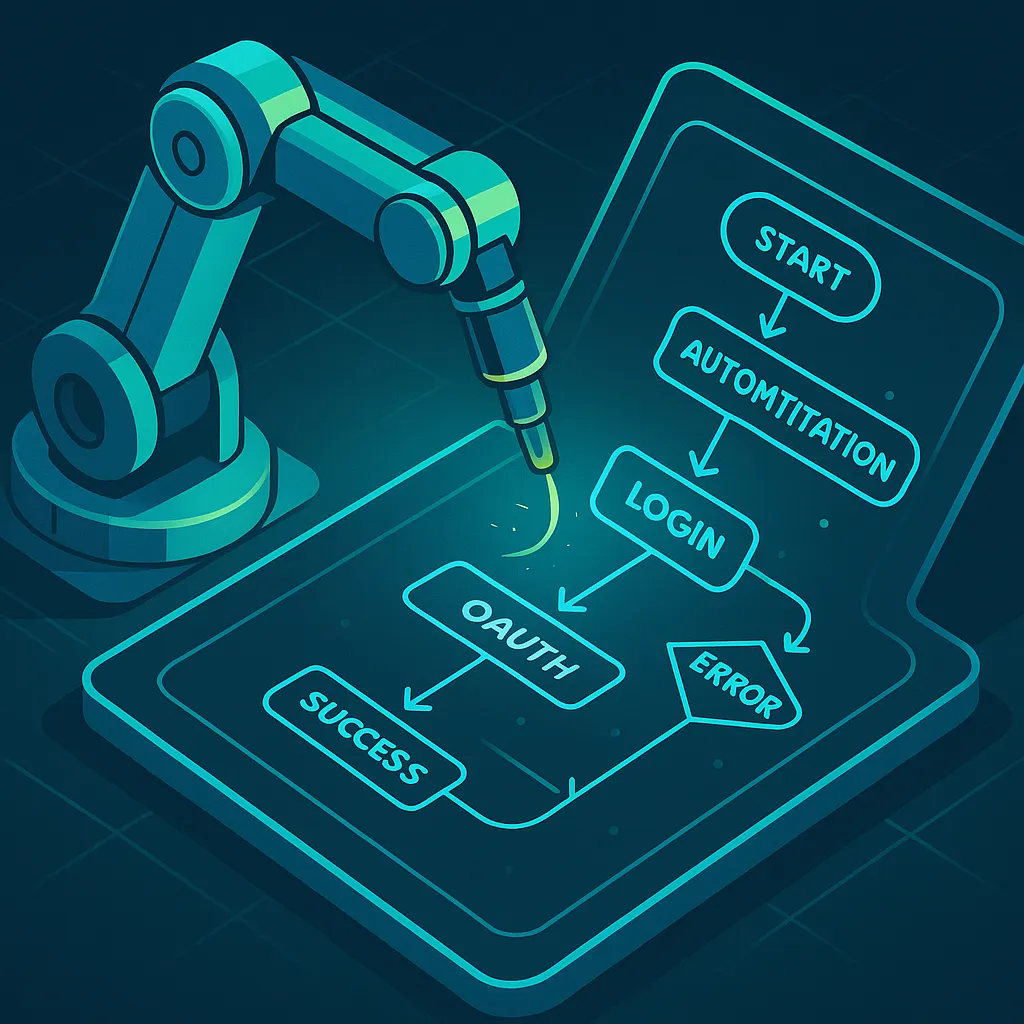
Remember those diagramming sessions that took hours? Creating the initial flow, then endlessly adjusting arrows, realigning boxes, and updating labels with every small change. Now we describe the flow to Claude, and through the Eraser MCP integration, we get professional diagrams instantly.
“Create a flow diagram showing user authentication with OAuth, including error states and retry logic.”
Boom. Done. And it’s not just boxes and arrows — it’s color-coded, properly structured, and ready for stakeholder review.
Lovable & Bolt: From Sketch to Screen
The most magical moment in any project is when stakeholders see their ideas come to life. We use Lovable and Bolt to create functional prototypes during the discovery phase.
Not mockups. Not wireframes. Actual, clickable prototypes that stakeholders can play with.
The feedback we get from these prototypes is worth its weight in gold. “Oh, I didn’t realize it would work like that” becomes “Yes! That’s exactly what we need!”
The New Workflow: Two Weeks, Real Time
Let me walk you through an actual recent project timeline.
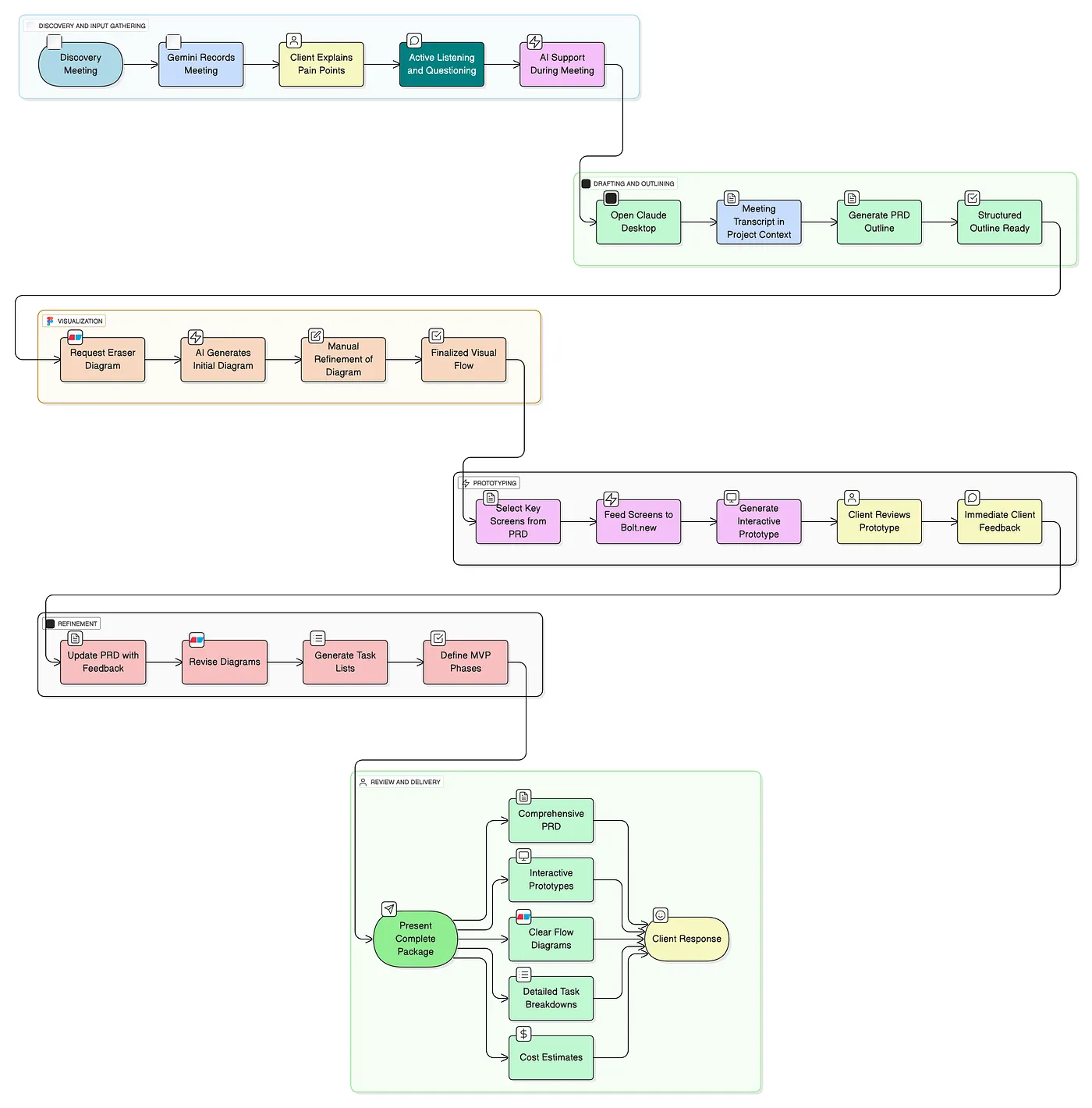
Week 1, Monday: Initial Discovery Morning Google Meet with Gemini recording. The client explains their order management challenges. I’m engaged in the conversation, not buried in notes.
Week 1, Tuesday-Wednesday: Processing and First Draft I feed the transcript to Claude Desktop. By end of day Wednesday, we have a structured PRD outline and initial flow diagrams via Eraser. Not perfect, but solid.
Week 1, Thursday: Internal Review Quick team sync. Architecture flags a potential integration issue. We update the flows.
Week 1, Friday: Prototype Sprint Using Bolt, we create basic screens for the core workflow. Nothing fancy — just enough to validate we understood correctly.
Week 2, Monday: Stakeholder Review #1 We present the initial PRD and prototype. The client loves the direction but wants to adjust the approval workflow. Several new requirements emerge.
Week 2, Tuesday-Wednesday: Rapid Iteration Claude updates everything based on Monday’s feedback. New flows, updated PRD, revised prototype. What used to take a week now takes two days.
Week 2, Thursday: Technical Planning With requirements stabilizing, we generate technical specs, architecture diagrams, and task breakdowns.
Week 2, Friday: Final Review and Signoff Complete package delivered:
- Comprehensive PRD
- All flow diagrams
- Interactive prototype
- Technical specifications
- Prioritized task list
Two weeks. Done. The client has what they need, and we’re ready to build.
The Hidden Superpower: Context Preservation
Here’s what nobody tells you about AI tools: The real power isn’t in generating content. It’s in preserving context.
Every conversation, every decision, every “actually, what if we…” — it’s all there. When a stakeholder asks three weeks later, “Why did we decide against real-time sync?” Claude can tell you exactly which meeting, what the concerns were, and what alternative we chose instead.
This isn’t just convenient. It’s transformational.
No more:
- “I don’t remember discussing that.”
- “That’s not what we agreed.”
- “We need to revisit this decision.”
Everything is documented, traceable, and searchable.
The Results: By the Numbers
Six months into our AI-powered process:
- Discovery to PRD: 7–10 days (was 4–5 weeks)
- Stakeholder revision rounds: 2–3 (was 5–7)
- Requirements missed: <5% (was 20%+)
- Client satisfaction: 92% (was 72%)
But the numbers don’t tell the whole story.
The Human Element: What AI Can’t Do
Let me be clear: AI doesn’t replace human judgment. It amplifies it.
AI can’t:
- Read the room when a stakeholder is hesitant
- Identify the unspoken political dynamics
- Make the tough prioritization calls
- Build trust with clients
What it can do is free us from the mundane so we can focus on what matters: understanding the business, building relationships, and making smart decisions.
The Unexpected Benefits
Better Questions
When you’re not worried about capturing every detail, you ask better questions. You dig deeper. You challenge assumptions.
Faster Iteration
Need to revise the entire flow based on new requirements? That’s a 30-minute task, not a 3-day project.
Team Alignment
Everyone has access to the same source of truth. No more “I thought we decided…” conversations.
Client Trust
When you can show comprehensive documentation days after a meeting, clients notice. They trust you’re listening. They trust you get it.
Getting Started: Your AI-Powered Process
Ready to transform your requirements process? Here’s how to start:
- Pick One Meeting: Start with Google Meet + Gemini. Just one meeting. See what insights emerge from the AI summary.
- Create a Claude Project: Set up a project with instructions for your specific domain. Feed it one transcript. Ask for a summary.
- Try One Diagram: Describe a simple flow to Claude with Eraser MCP. Even if it’s not perfect, you’ll see the potential.
- Build One Prototype: Take your simplest feature and run it through Bolt. Show it to a stakeholder. Watch their reaction.
- Iterate and Expand: Each tool you add multiplies the value of the others.
The Future Is Already Here
The tools will keep evolving. Claude will get smarter. Gemini will understand context better. New tools will emerge.
But the principle remains: AI is most powerful when it amplifies human capabilities, not when it replaces them.
We’re not trying to automate away the discovery process. We’re trying to make it more human — more focused on understanding, less on documentation. More on insight, less on note-taking. More on building the right thing, less on building the thing right.
Your Turn
What part of your requirements process causes the most friction? Where do things get lost in translation? That’s where you start.
Pick one AI tool. Solve one problem. Then build from there.
Because here’s the truth: While you’re reading this, your competitors are probably still in meeting number 12, trying to remember what was decided in meeting number 3.
You could be shipping instead.
What’s your experience with AI in requirements gathering? Have you found tools that transform your process? Drop a comment below — I’m always looking for new additions to our stack.